AI Music Video Generatorfor creators
Use AudioX to move from a song or generated track into music video workflows for social clips, lyrics-style visuals, and creator content.
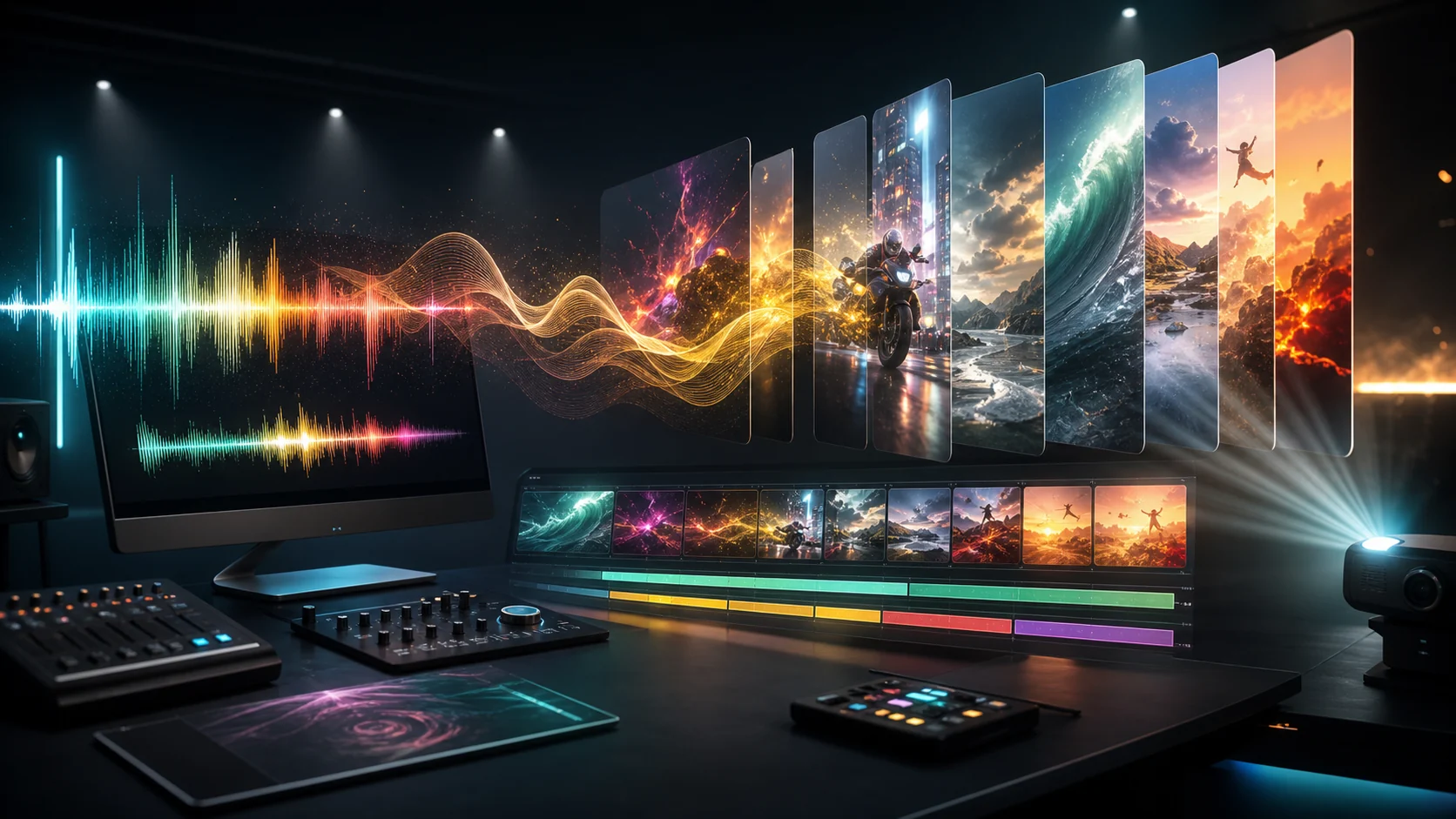
Build a music video workflow
Start from music, or generate a track first.
ai music video generator
Connect AI music with video creation
Music-First Workflow
Start with a song, uploaded audio, or an AudioX-generated track before moving into visual generation.
Creator Formats
Plan music videos for short-form social, lyrics clips, artist promos, podcast teasers, and visual loops.
Adjacent Audio Tools
Use AudioX music, vocal, enhancement, and audio-to-video tools without leaving the same creative stack.
Internal Music Pipeline
Route users from AI music generation into music video creation instead of splitting intent across unrelated pages.
Workflow
How it works
- 1Upload or generate the music you want to visualize.
- 2Choose the music-to-video workflow that matches the clip.
- 3Create the video and review timing, motion, or lip-sync output.
- 4Export the result for social, ads, artist content, or demos.
FAQ
What is an AI music video generator?
An AI music video generator helps turn a song or audio track into visual content. AudioX connects music generation, music-to-video workflows, and related audio/video tools.
Can I create an AI music video from audio?
Yes. Start from an existing track with the AudioX music-to-video workflow, or generate music first and then continue into video creation.
Does AudioX generate the music too?
Yes. AudioX includes text-to-music generation, so you can create a track first and then use it as the source for music video workflows.
Is this different from video-to-music?
Yes. Video-to-music creates a soundtrack from visual input. AI music video generation starts from music or a song and creates or supports visual output.