AI Barbie Slideshow
Turn one photo into two stacked panels: a glossy fashion-doll portrait above a realistic version, with subtle motion.
A clear mirror selfie or posed portrait works well. A phone portrait can suit the layout, while output keeps your source aspect ratio.
568 credits per 5-second video
External visual references, not AudioX-generated results. They illustrate the setting or style; the generated 5-second clip may differ.
Explore the doll-vs-real contrast
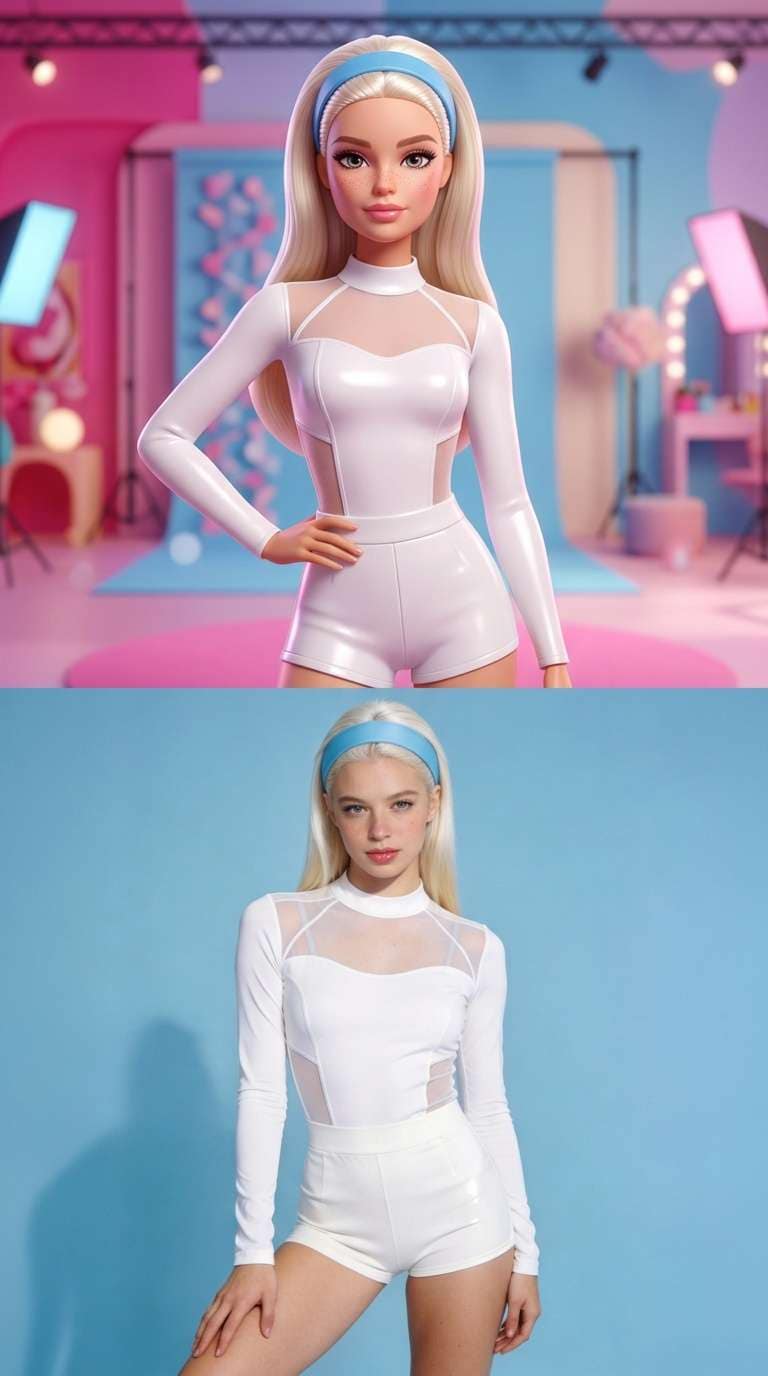
These references show the stacked doll-versus-portrait layout and the original portrait used to illustrate the face, pose and clothing.
Doll-vs-portrait layout
A blonde fashion doll appears above a photographic portrait in two stacked panels, with matching white clothing in both.
Media.io ↗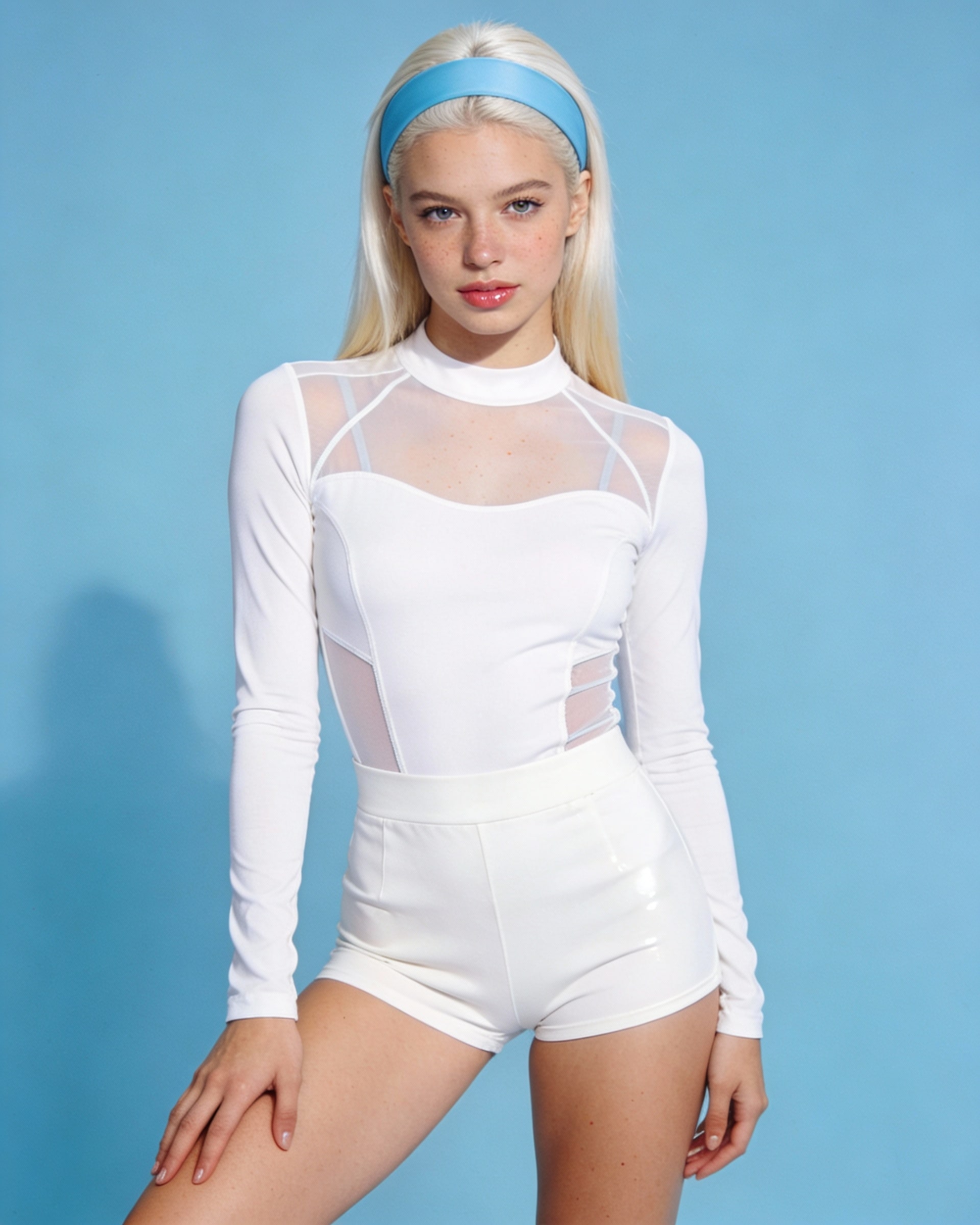
Original portrait reference
The original blonde portrait against a blue background is shown as a reference for the face, pose and white clothing.
Media.io ↗External visual references, not AudioX-generated results. They illustrate the setting or style; the generated 5-second clip may differ.
输入提示
用自然語言描述您的想法。
人工智慧處理
我們的引擎分析並綜合內容。
匯出結果
立即下載高品質的內容。
AI Barbie Slideshow FAQ
One photo becomes a two-panel composition: a glossy 3D fashion-doll treatment on top and a realistic treatment below, with gentle movement in each panel.
No. This is an independent effect inspired by a social media style and is not affiliated with or endorsed by Mattel.
No. Each generation makes one 5-second split-panel video from one photo. To build a slideshow, download the MP4 and use an external editor to combine clips or extract and arrange still frames.
Each generation costs 568 credits. You need at least 568 credits in your account to start.
準備好創作大師作品了嗎?
加入專業版以解鎖無限生成、更高速度和商業使用權限。